Turn every new tab into your oasis
Free forever plan · No credit card required · English & Tiếng Việt
Everything your new tab should have been
One place for collecting, organizing, and actually getting back to the things you save.
A kanban board for the web
Organize bookmarks, tab-group bookmarks, rich notes and tasks into columns and folders. Drag and drop, tag, filter, bulk-edit, and archive - unlimited items on every plan.
Focus mode
A fullscreen pomodoro timer with ambient sounds, YouTube music, gradient and image backgrounds, weekly goals, and a session heatmap.
Find anything instantly
Spotlight search (Ctrl+Shift+Space) with a command palette, semantic AI search over your bookmarks, and an omnibox shortcut right in the address bar.
Capture from anywhere
Save pages from the toolbar popup, the side panel, or the right-click menu - and import your existing Chrome bookmarks in one step.
AI that works for you
Bring your own OpenAI or Gemini key: smart descriptions, column suggestions, similar-bookmark discovery, and writing actions inside notes. Your key stays in your browser.
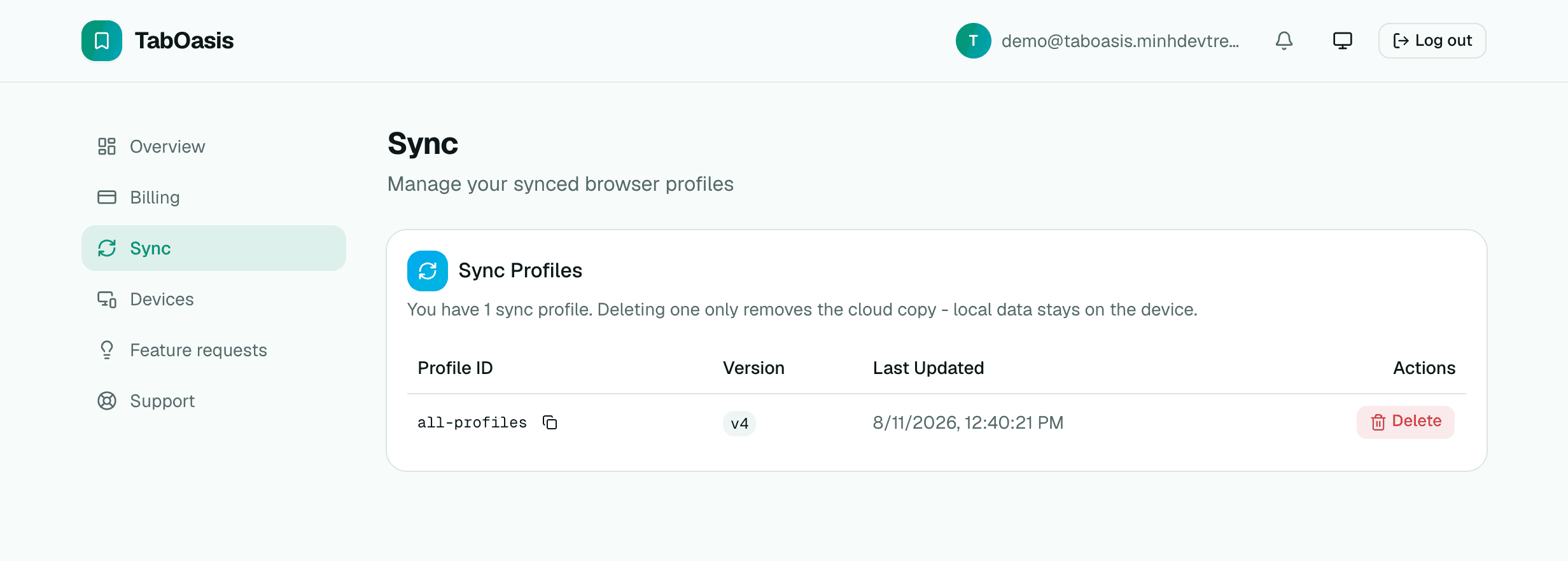
Your data, everywhere
Local-first storage with JSON and Markdown export. Go Pro for cloud sync across devices, Chrome profile sync, and automatic bookmark health checks.
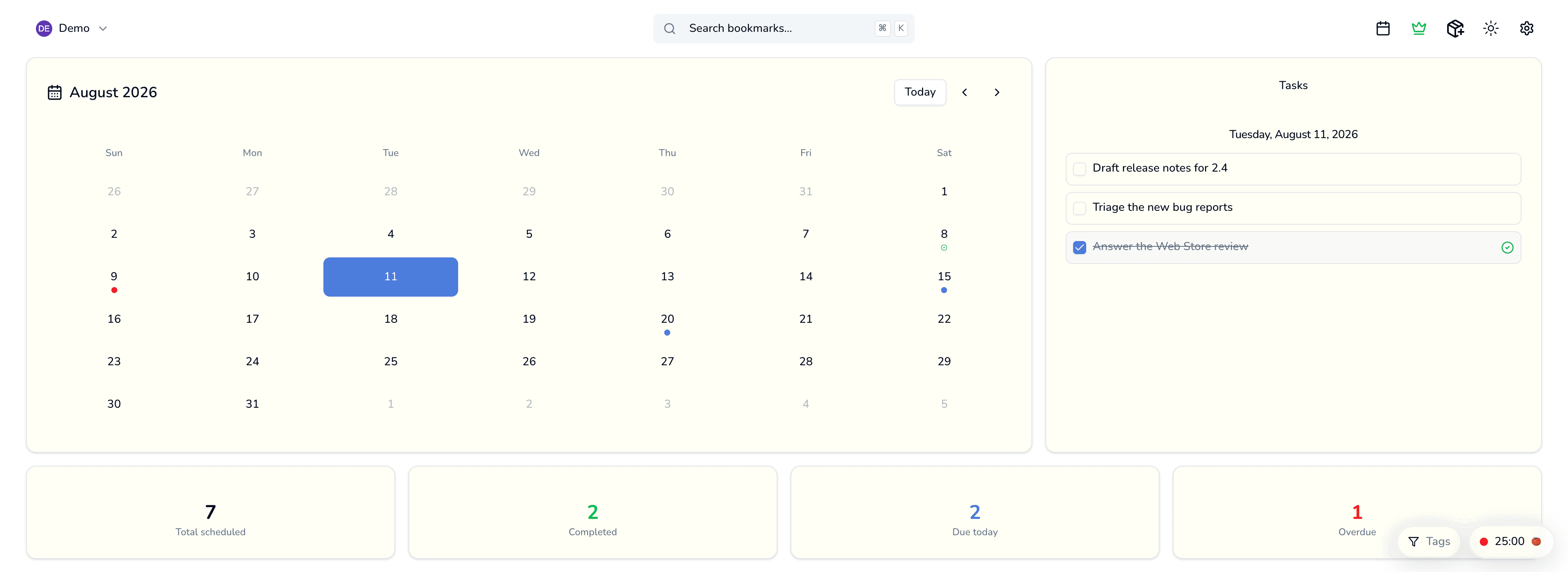
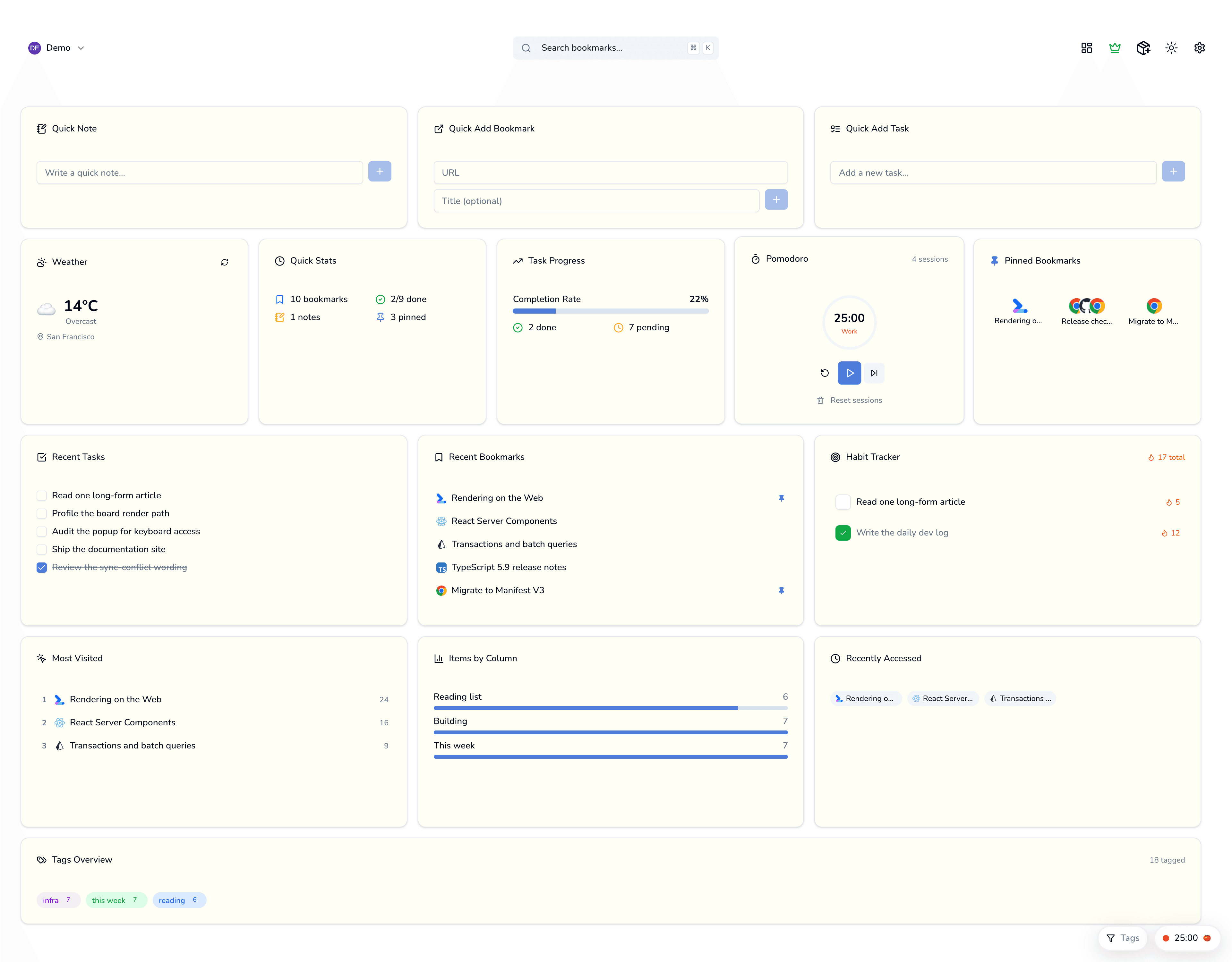
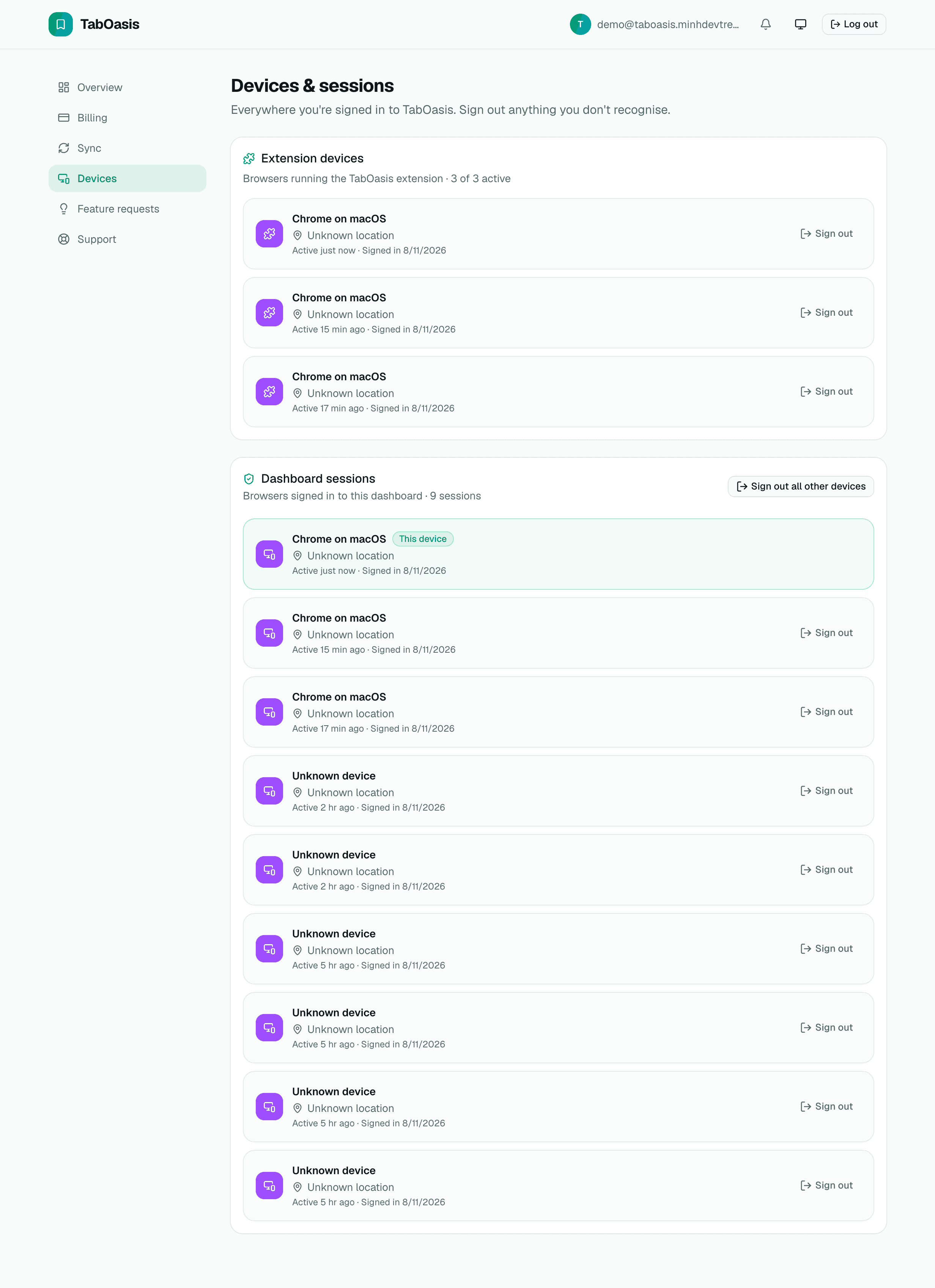
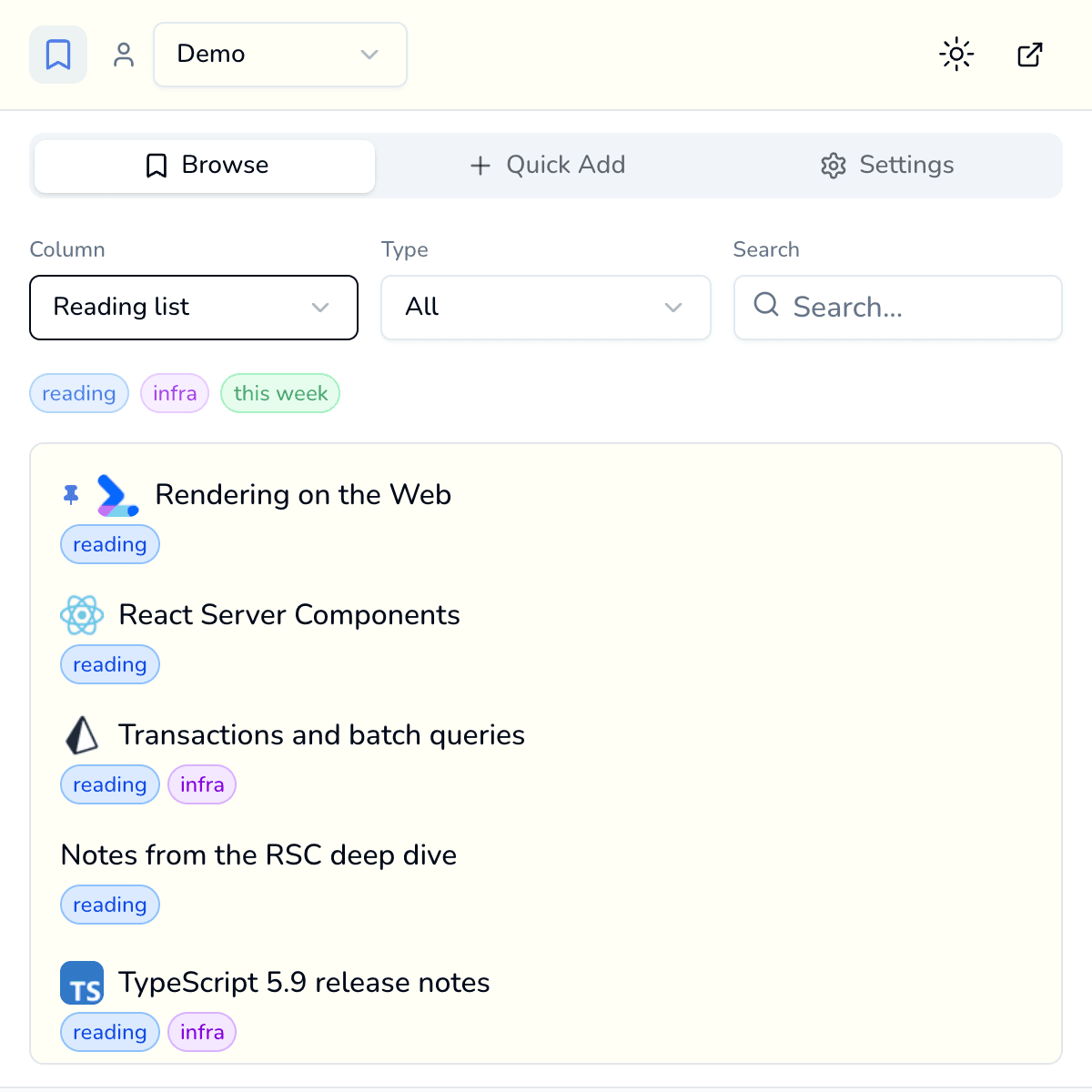
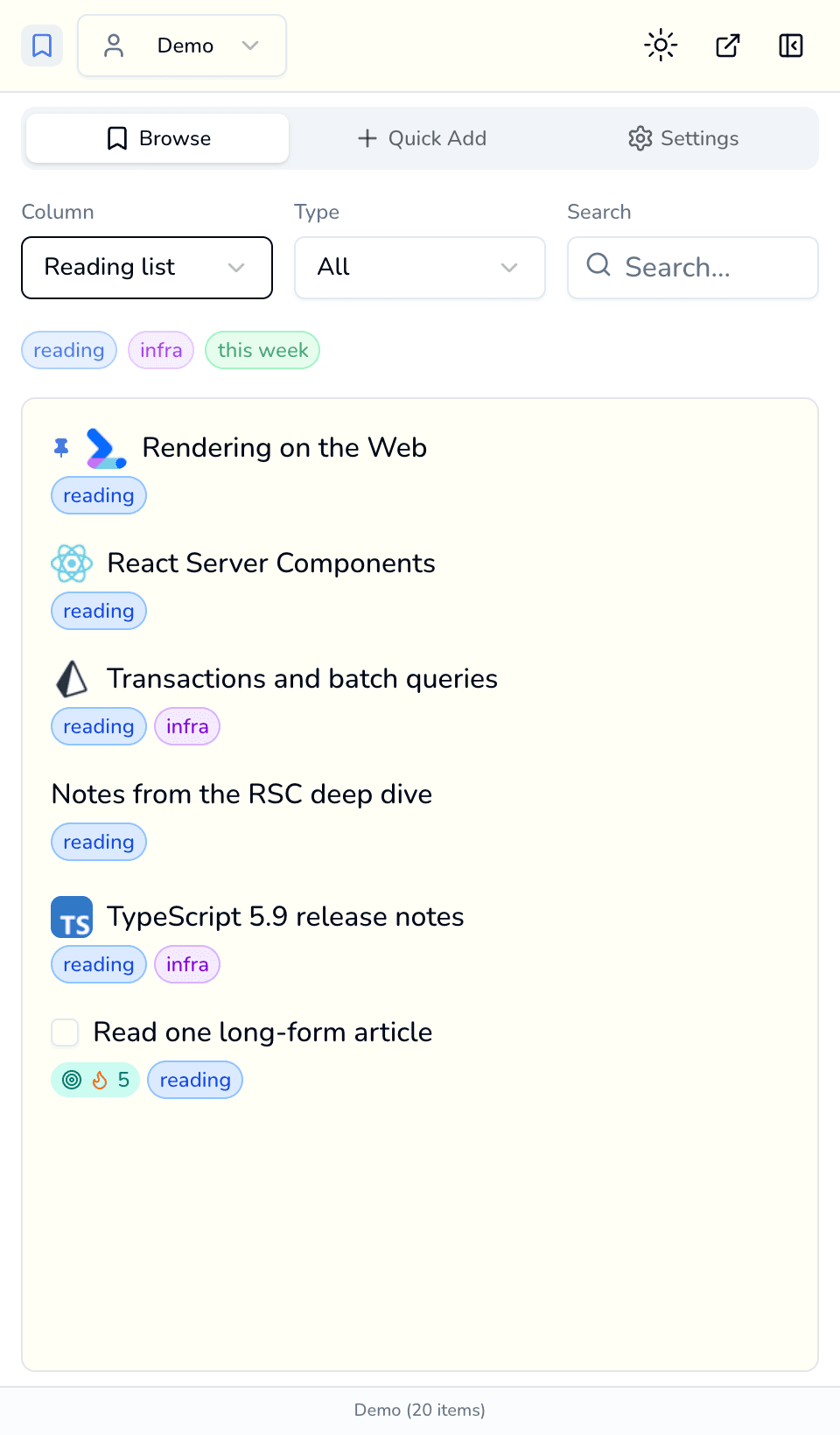
One board, every surface
The same bookmarks, notes and tasks — wherever you happen to be looking.
Free vs Pro
The free plan is a complete bookmark manager. Pro unlocks the power features.
| Feature | Free | PRO |
|---|---|---|
| Bookmarks, notes & tasks | Unlimited | Unlimited |
| Kanban board & widgets dashboard | ||
| Popup, side panel & omnibox capture | ||
| Import & export (Chrome, JSON, Markdown) | ||
| Calendar & Focus views | ||
| Profiles | 1 | Up to 10 |
| Color themes | 1 | All 15 |
| AI writing actions (your own API key) | Fix grammar | All actions |
| Spotlight search on any website | ||
| Cloud sync across devices | ||
| Chrome profile sync | ||
| Bookmark health check | ||
| Devices per license | - | 3 |
Simple, transparent pricing
Start free. Upgrade when the power features earn it.
Free
A complete bookmark manager
- Unlimited bookmarks, notes & tasks
- Kanban board + widgets dashboard
- Popup, side panel & omnibox capture
- Import & export (Chrome, JSON, Markdown)
- 1 profile · 1 theme
Pro Monthly
Full power, month to month
- Everything in Free
- Calendar & Focus views
- Up to 10 profiles · all 15 themes
- All AI actions (your own API key)
- Cloud sync + Chrome sync · 3 devices
- Spotlight on any website · health check
Pro Yearly
Save 33%Best value, billed yearly
- Everything in Free
- Calendar & Focus views
- Up to 10 profiles · all 15 themes
- All AI actions (your own API key)
- Cloud sync + Chrome sync · 3 devices
- Spotlight on any website · health check
Lifetime
LimitedPay once, use forever
- Everything in Pro, forever
- One-time payment - no renewals
- All future updates included
- Limited to 150 seats
Pro licenses cover up to 3 devices. Cancel subscriptions any time from your billing portal.
Frequently asked questions
Is the free plan really free?
Yes. The free plan is a complete bookmark manager - unlimited bookmarks, notes and tasks on the kanban board and widgets dashboard, with capture from the popup, side panel and omnibox, plus full import/export. No trial, no credit card.
Do the AI features cost extra?
AI features use your own OpenAI or Gemini API key, so you pay your provider directly for usage. Your key is stored in your browser, not on our servers. The grammar-fix action is available on Free; the full set of AI actions requires Pro.
How many devices can I use Pro on?
Each Pro license (monthly, yearly, or lifetime) can be activated on up to 3 devices. You can deactivate a device from your dashboard to free up a slot.
Can I cancel my subscription any time?
Yes - manage or cancel from the billing portal in your dashboard. When a subscription ends you keep all your data; Pro features simply lock until you resubscribe.
What exactly is the Lifetime plan?
A one-time $119 payment for permanent Pro access, including all future updates - no renewals ever. It is limited to 150 seats.
Where is my data stored?
Locally in your browser by default - the extension works fully offline. Pro adds optional cloud sync across your devices and Chrome profile sync; you can export everything to JSON or Markdown at any time.
Which languages are supported?
The extension ships in English and Vietnamese (Tiếng Việt), switchable in settings.
Your new tab is waiting
Stop losing the things you save. Start free - upgrade only if the power features earn it.
Create your free account